Create commercetools tax extension
Steps:
Open and login to https://impex.europe-west1.gcp.commercetools.com/ page
Click to API Playground and choose your project
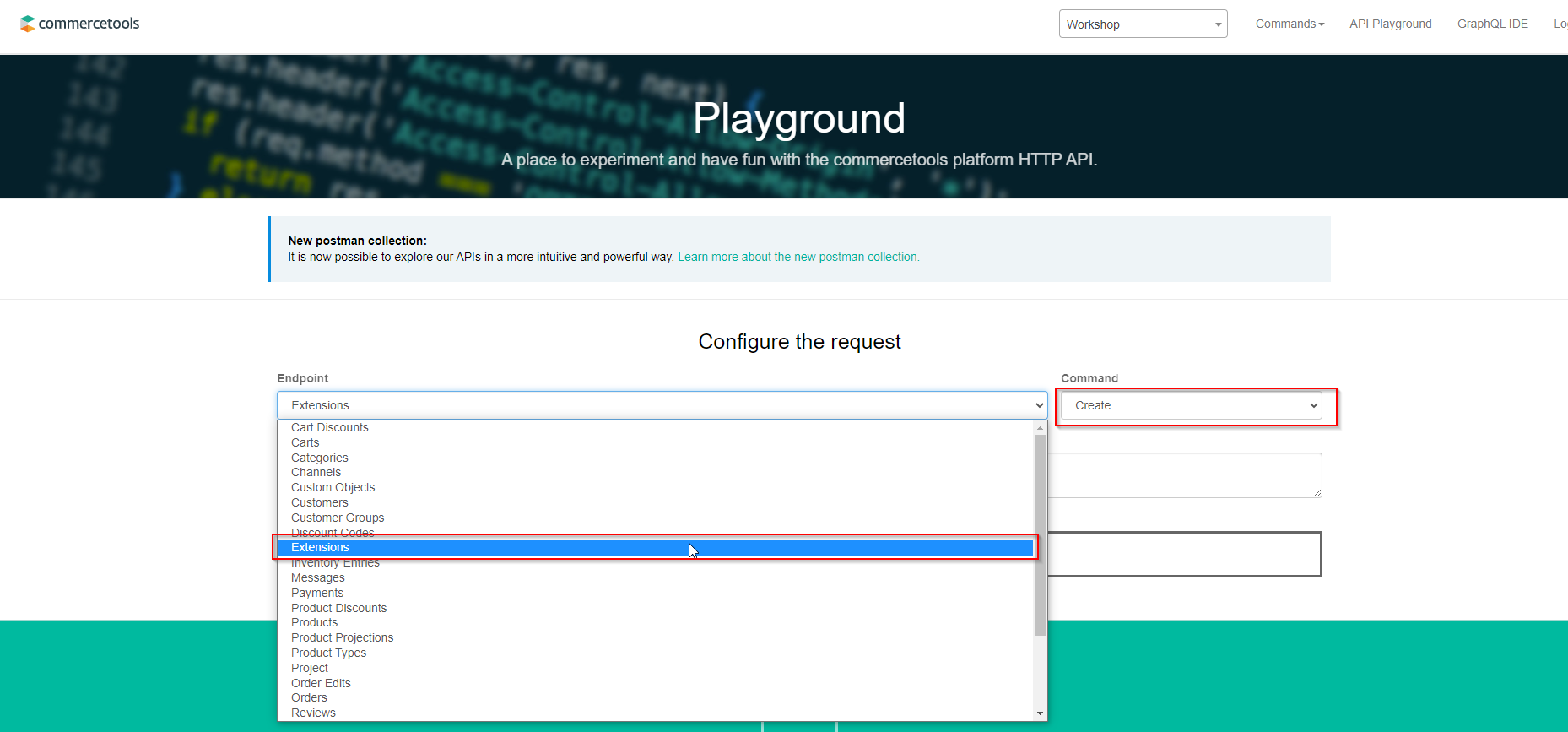
Choose ‘Extensions’ in Endpoint field and ‘Create’ in Command
- Put provided payload to Payload multiline field and click ‘GO!!!’
destination.arn - ARN of your Lambda function destination.access* - credentials created previously key - unique identificator of extension. Should be set by user
{
    "destination": {
        "type": "AWSLambda",
        "arn": "arn:aws:lambda:eu-central-1:907001314987:function:ExtensionTaxLambda",
        "accessKey": "*****",
        "accessSecret": "******"
    },
    "triggers": [
        {
            "resourceTypeId": "cart",
            "actions": [
	   "Create",
                "Update"
            ]
        }
    ],
    "key": "tax-extension"
}
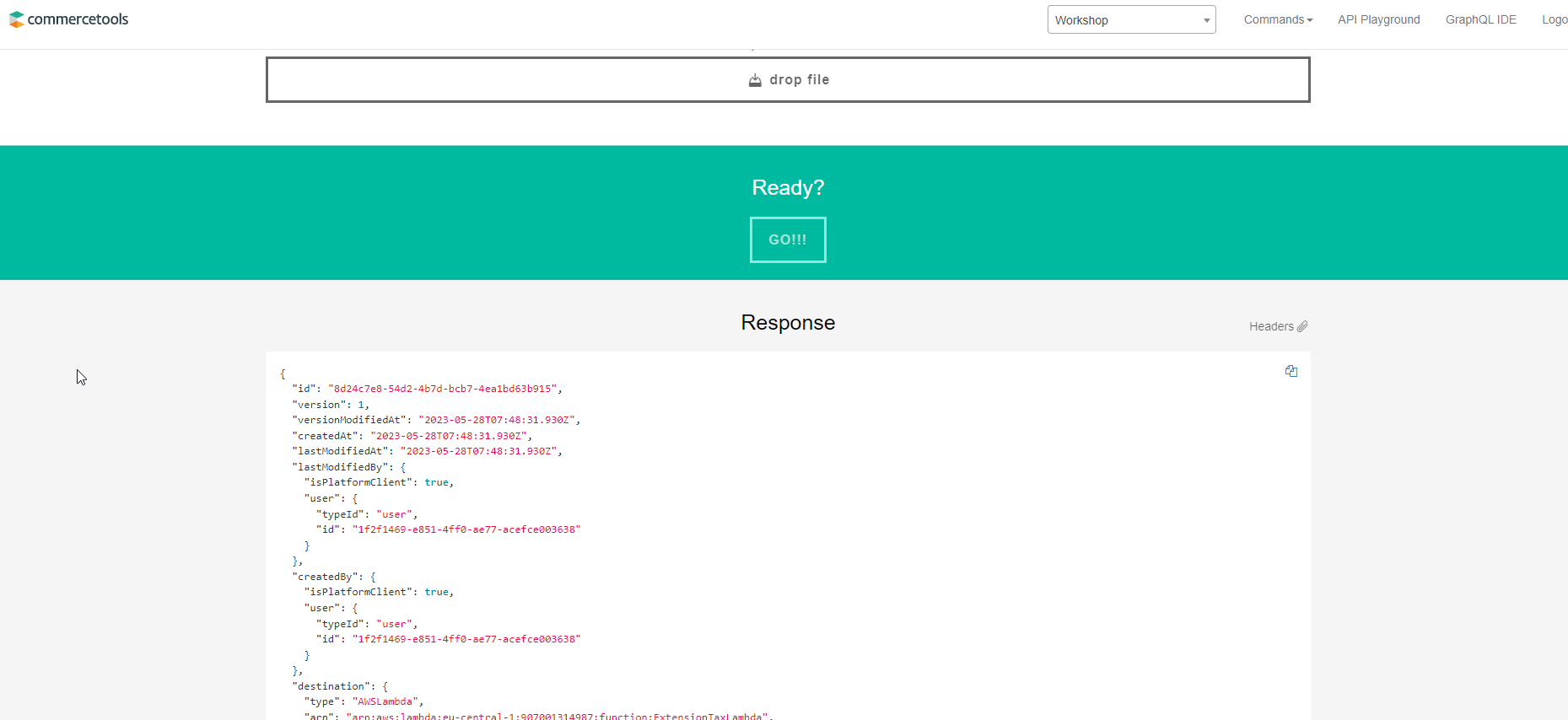
- After that you will see response with extension details