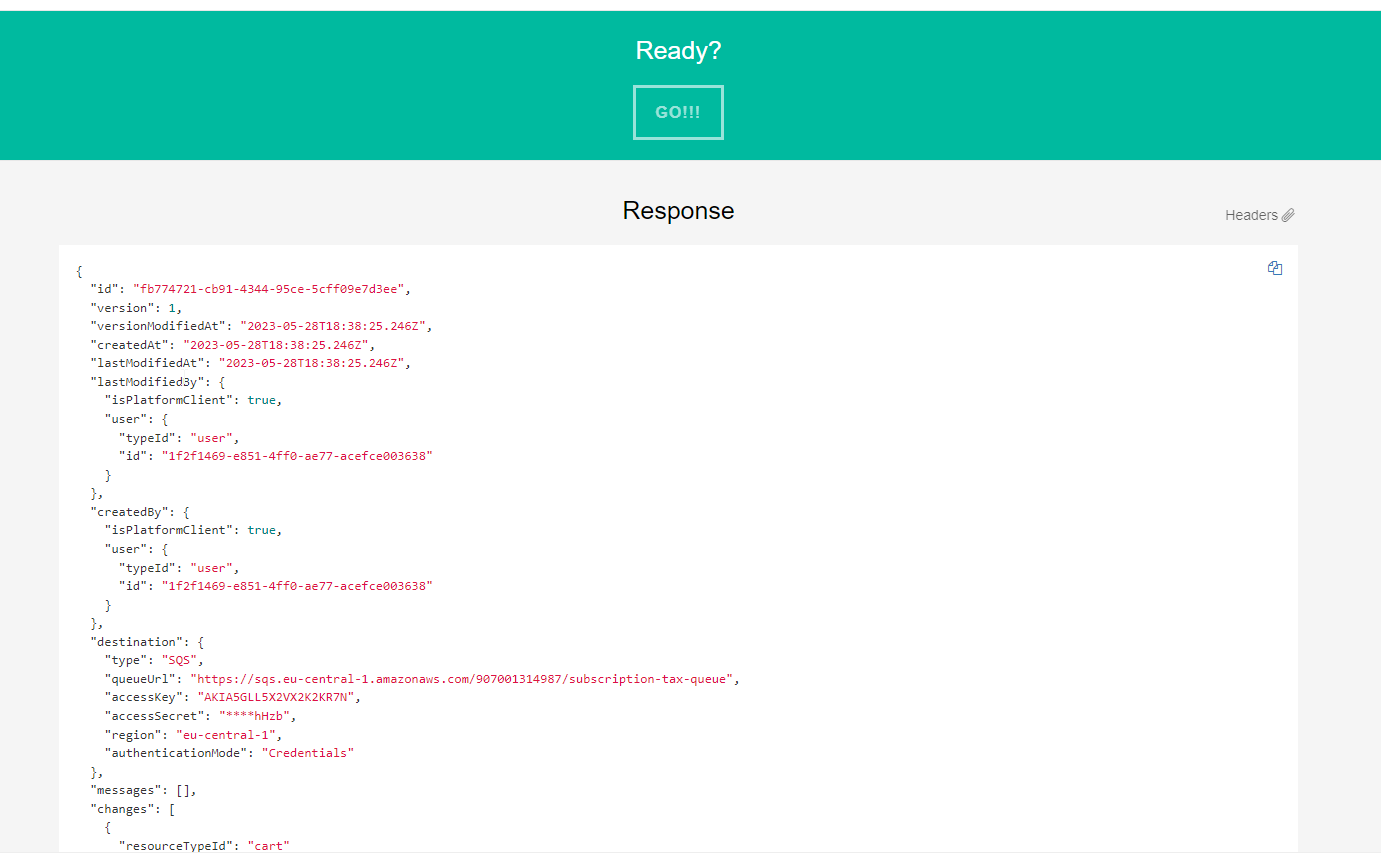
Create commercetools tax subscription
Steps:
Open and login to https://impex.europe-west1.gcp.commercetools.com/ page
Click to API Playground and choose your project
Choose ‘Subscriptions’ in Endpoint field and ‘Create’ in Command
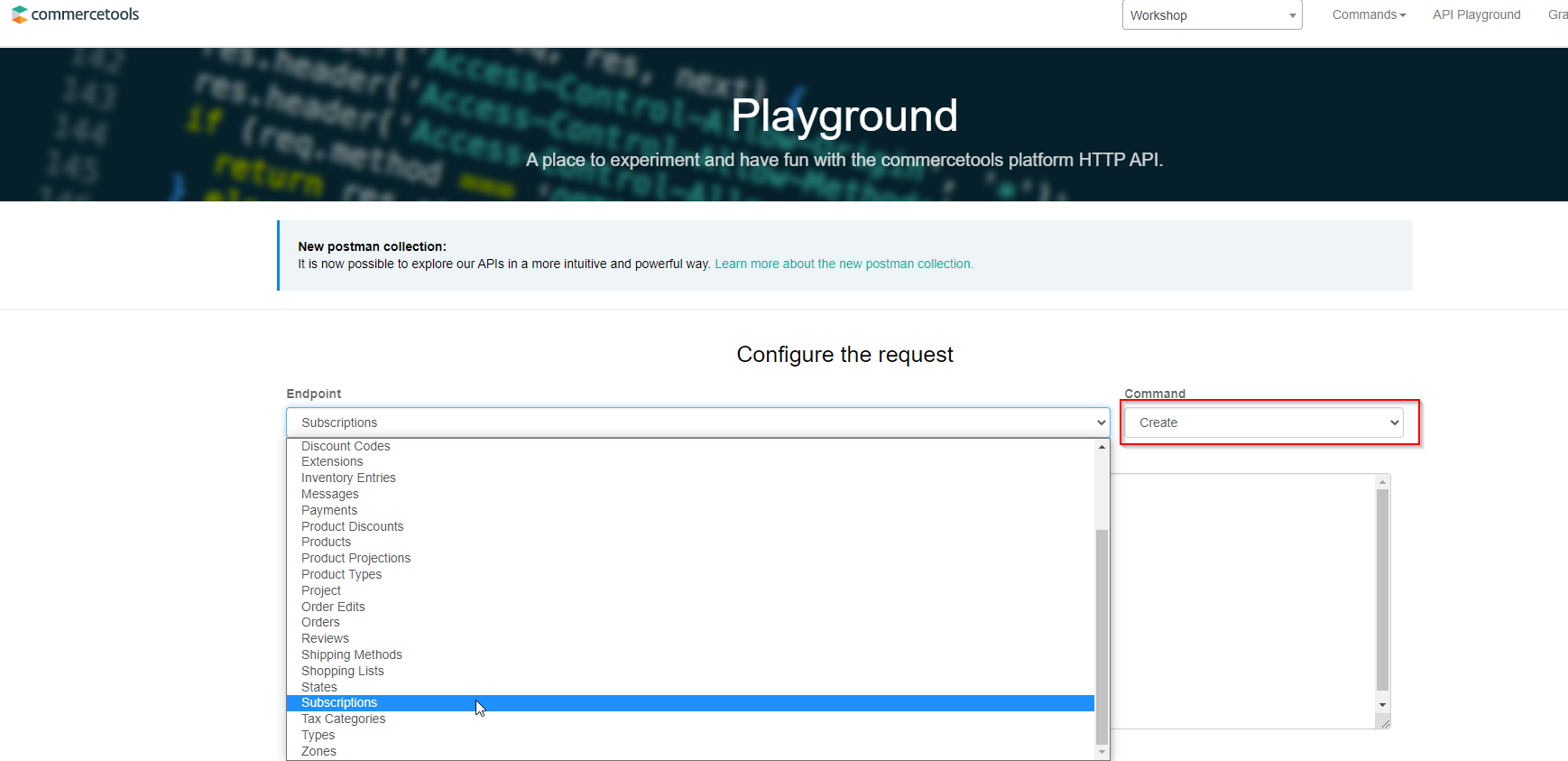
- Put provided payload to Payload multiline field and click ‘GO!!!’.
{
	"changes": [{
		"resourceTypeId": "cart"
	}],
	"destination": {
		"type": "SQS",
		"queueUrl": "{{sqs-url}}",
		"region": "eu-central-1",
		"accessKey": "****",
		"accessSecret": "****"
	},
	"key": "tax-subscription"
}
- Check response details